

Outlet owner
Signs up hereRegisters the outlet. After the outlet is approved, adds staff and follows the outlet points.
Every box of stuff has its own QR. Staff at an outlet scan it once. The points go into the wallet on the account.
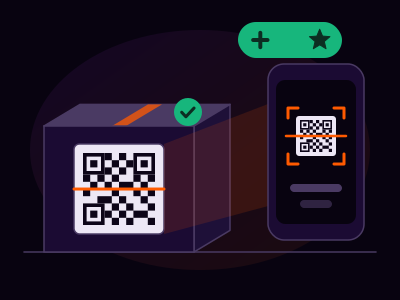
Three steps. Each QR can be scanned one time only.
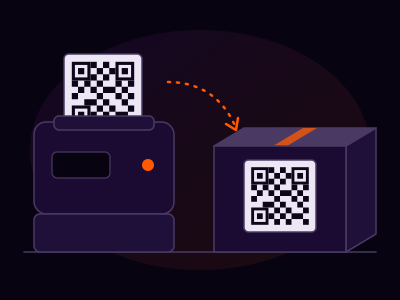
Step 1
The agent creates a campaign. Each box of stuff gets its own QR. No two boxes share a code.
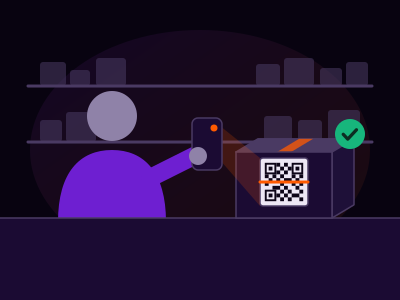
Step 2
Approved staff scan the QR on the shop floor, with a phone camera or a laser scanner. After that, the QR is used up.
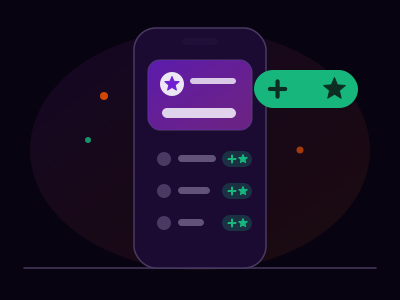
Step 3
The scan adds points to the wallet on the account. Staff see their own points. The outlet owner sees the outlet total.
Public signup is for an outlet owner or an agent. An admin approves every account before sign in.
Registers the outlet. After the outlet is approved, adds staff and follows the outlet points.
Creates campaigns, prints a QR for every box, and follows the scans.
Does not sign up here. The outlet owner adds staff after the outlet is approved.
Short answers to what people ask before they sign up.
A loyalty app for products sold in outlets. Every box carries its own QR. When outlet staff scan it, points go into the wallets on the accounts.
Outlet owners and agents sign up here. Staff do not sign up: the outlet owner adds them after the outlet is approved.
After an admin reviews and approves your account. Until then, sign in stays closed.
No. Each QR is scanned once. After the first scan it is used up, and a second scan adds no points.
Inside their outlet. The scan uses the phone location and only counts within the area set for the outlet.
Into the wallet on the account. Staff see their own points. The outlet owner sees the outlet total.
Email Developers@market-binder.com and the team will get back to you.
Create an outlet owner or agent account. An admin reviews it, then you can sign in.